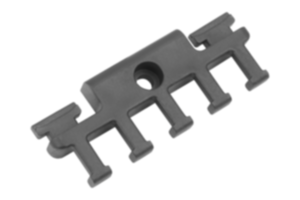
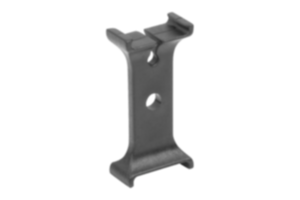
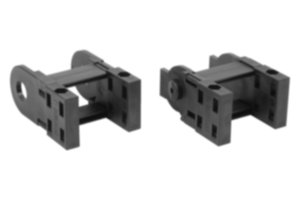
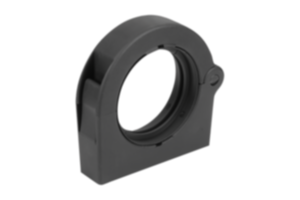
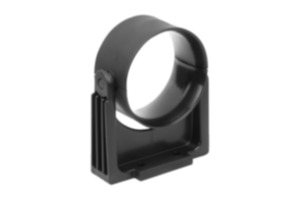
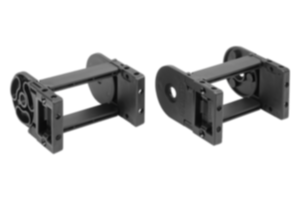
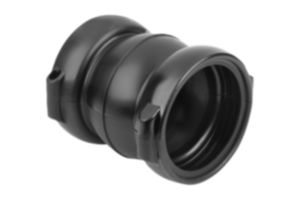
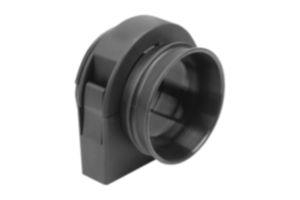
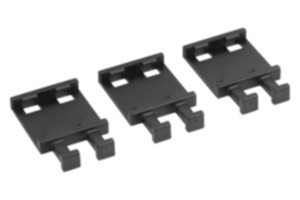
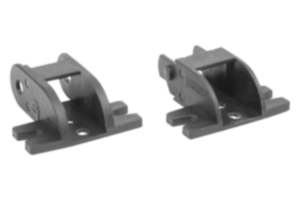
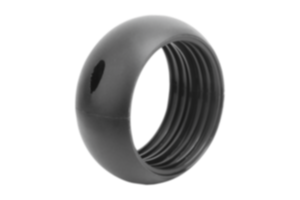
Cable gland TPO black 80855-25-07001
Sales unit
€39.07
plus sales tax
Registered customers are offered live availability of the item after logging in to the website. Please log in or register to see the live availability or request a quotation.
Added to your shopping cart
Designation
Cable gland
Form
A
Main
material
TPO
Main
colour
black
For
cables
No. x cable Ø
4x14 / 4x20
Max. No.
of ducts
8
Nominal size
70
~ CONFLICT MINERALS 3TG status
no intentional 3TG
~ CP65 substance 2 cancer
carbon-black extracts
~ PFAS free?
yes
~ REACH SVHC-free?
yes
~ RoHS conformity
yes, without exemption
~ TSCA 6(H) conformity
yes
Description
Material
TPO (polypropylene and uncured EPDM rubber and polyethylene).
Version
black.
Note
These cable glands are suitable for routing cables. Cables, lines, hoses, pneumatic and hydraulic lines can be routed through. They offer comprehensive cable protection, as each cable/line is individually routed and secured. They seal hose bundles and prevent contamination getting inside.
Available with different routing plates or with blanking plates.
Plugs 80855-26 are available for the holes that are not used.
Available with different routing plates or with blanking plates.
Plugs 80855-26 are available for the holes that are not used.
Temperature range
-45°C to +95°C
Assembly
The cable gland is mounted in the connection protector 80855-16 or the adapter 80855-20. To increase the clamping effect, a hose clip 07850 can be fitted to the free end.
Advantages
The blanking plate can also be customised with specific holes. To do this, place the blanking plate in the freezer for ca. 8 hours. The plate can then be drilled. To improve the gripping effect, the hole diameter should be 0.5 mm smaller than the cable diameter.
Accessory
Plugs 80855-26.
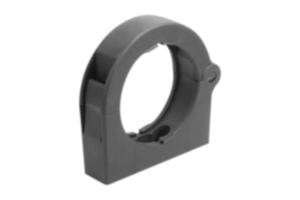
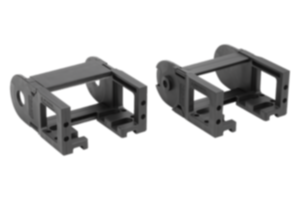
Connection protector 80855-16.
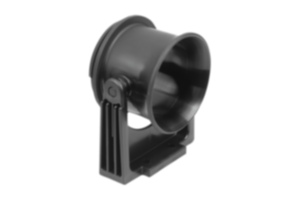
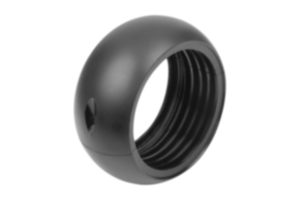
Adapter 80855-20.
Connection protector 80855-16.
Adapter 80855-20.
Important note on downloading CAD models
In order to download our CAD models, you must log in first. If you have not created an account yet, please register under "My Account" (right side of the screen) and follow the instructions.
Other customers also bought